
Roblox Speed Scripts
Speed scripts change your character’s WalkSpeed — the Roblox property that controls how fast you move. The default is 16; a speed script lets you set it to anything, from a subtle 25 that shaves time off an obby to a 200 that crosses the map in seconds. The scripts below either set a custom WalkSpeed value directly or add speed sliders inside a hub GUI, and most pair speed with jump power controls. Everything is tested and labelled keyless or key, and works on KRNL, Delta, Xeno and other executors on PC and mobile. In racing and escape games, even a small boost is the difference between winning and losing.
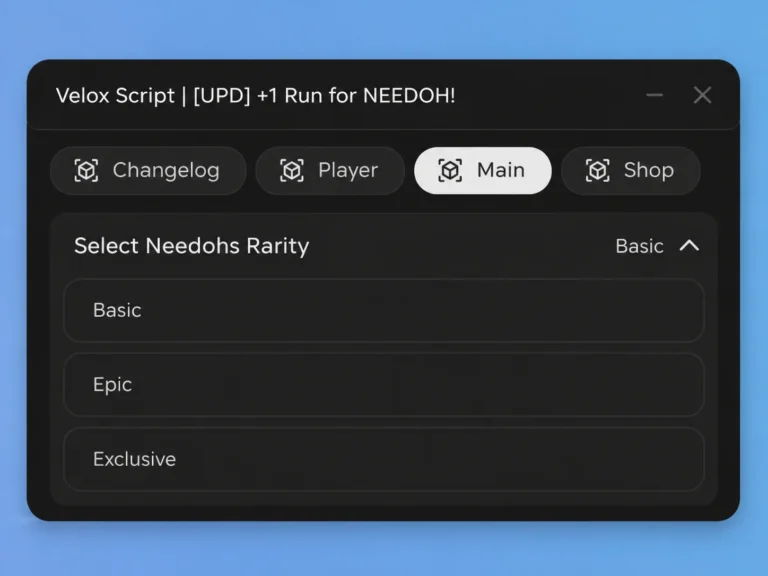 👁 1462 weeks ago+1 Run for NEEDOH GUI Script (no Key)
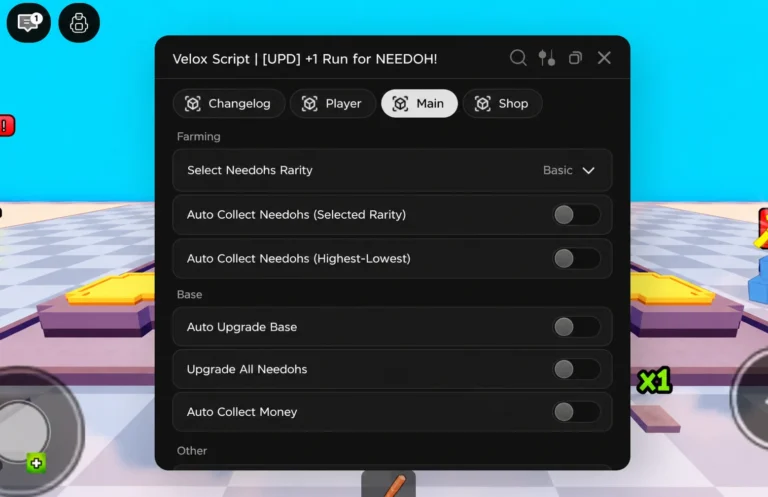 👁 842 weeks agoVolex Hub +1 Run for NEEDOH Script
 👁 863 weeks agoEve Hub Survive Overnight in a Mega Store
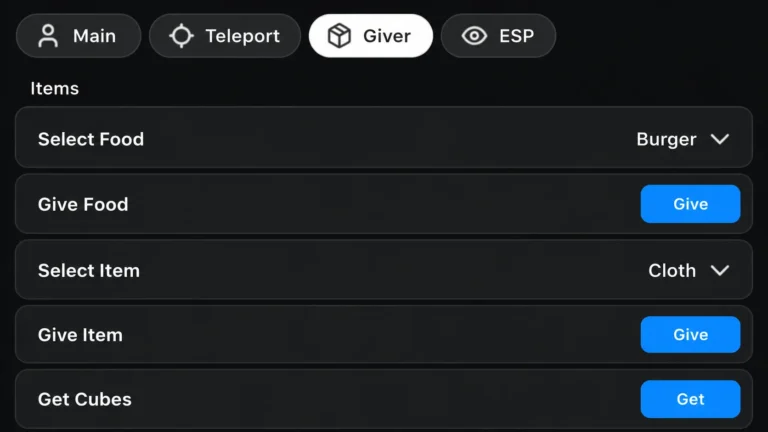 👁 723 weeks agoSurvive Overnight in a Mega Store Midnight Hub | No key
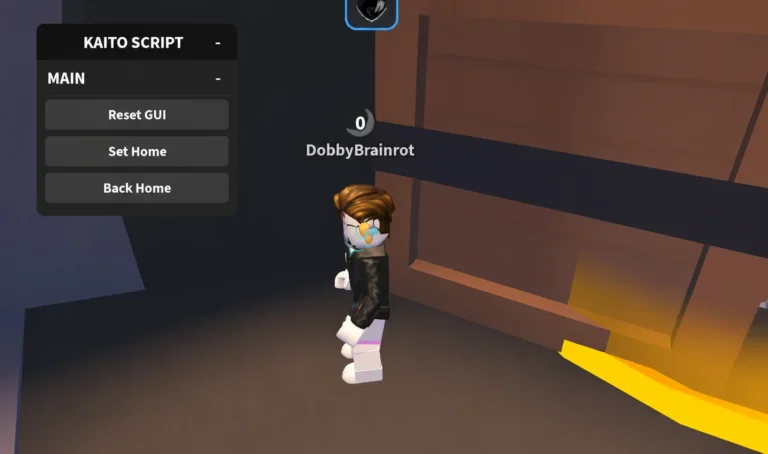 👁 1163 weeks agoKaito Hub Survive Overnight in a Mega Store Script Keyless
Speed Scripts FAQ
What is the default Roblox WalkSpeed?
16. Speed scripts change this property to whatever value you choose.
What speed value should I use?
20-30 is subtle and hard to notice; 50+ is obvious to other players; 100+ is blatant. Games with anti-cheat reset or kick at high values, so start low.
Why does my speed keep resetting?
The game checks and resets WalkSpeed. Most speed hubs include a loop toggle that re-applies your value every frame - turn that on.
Do speed scripts work in every game?
In most, since WalkSpeed is a standard property. Games with server-side movement checks will reset or kick you.